You direct, the AI builds. Learn the exact method behind our “What if…?” videos: the setup, the brief, the test-and-fix loop, sound, text — and how to turn views into income.
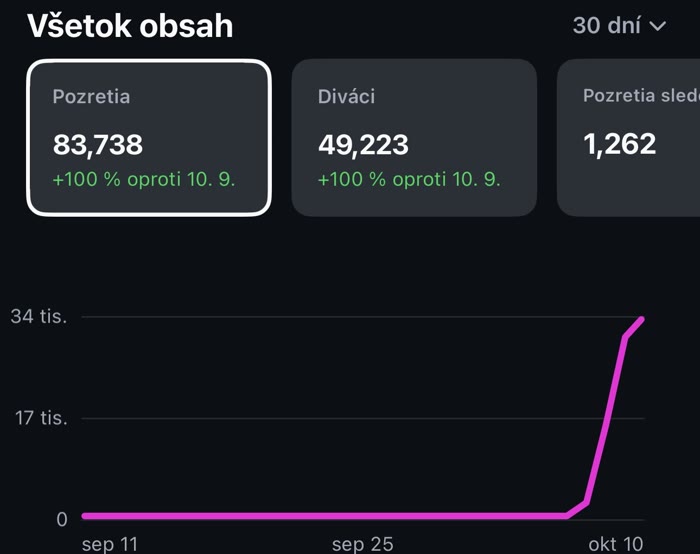
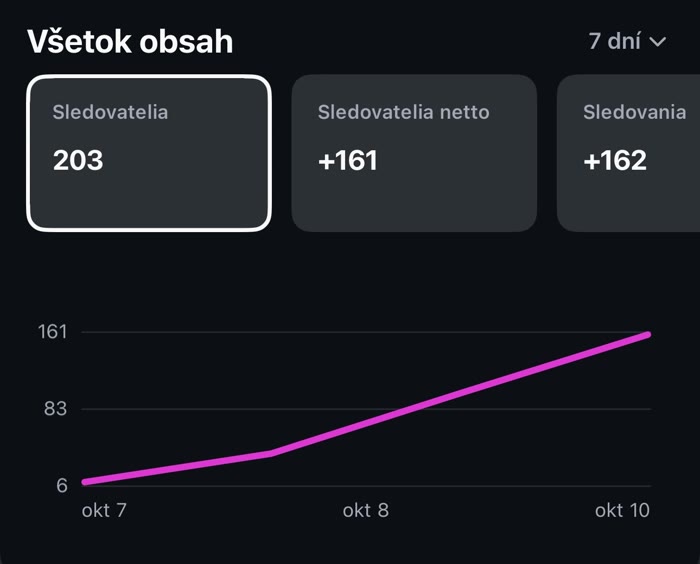
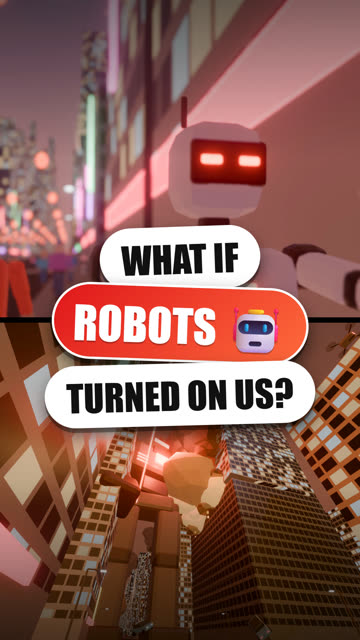
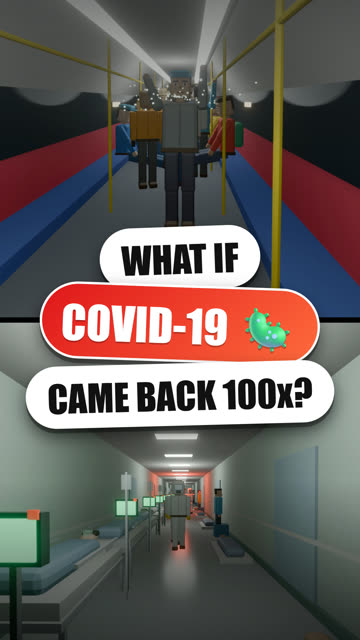
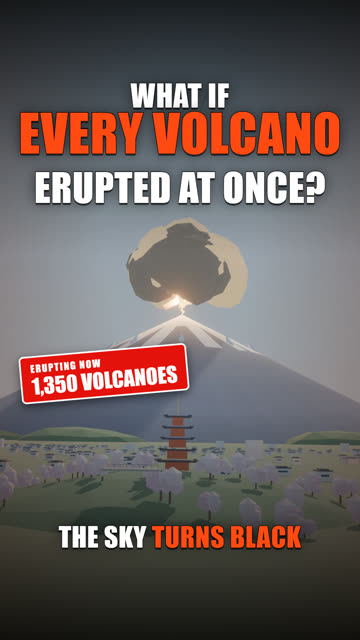
Straight from our Instagram dashboard — no faces, no voice, just “What if…?” videos made with this method.


Watch it in 15 minutes, keep the guide open next to your AI, and make your first video the same day.
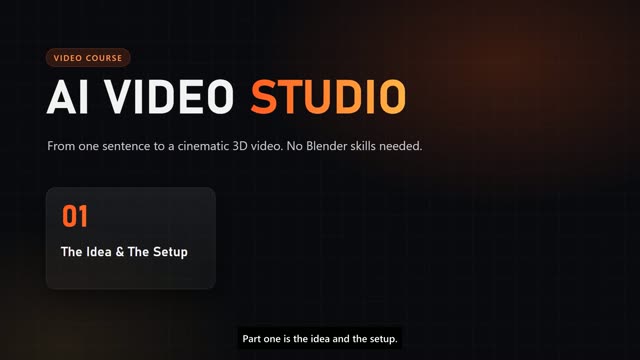
Three tools, the brain file that makes the AI work your way, and a clean folder structure.
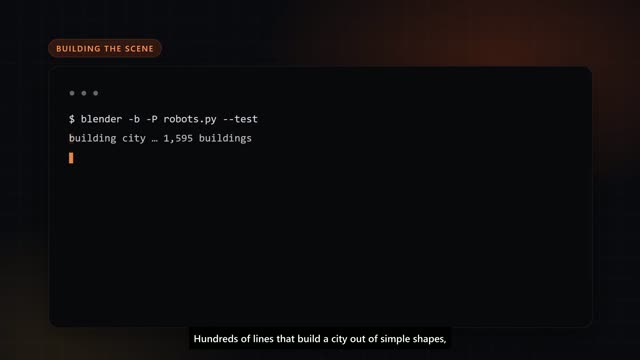
The brief formula, the shot plan, test frames — and real before/after fixes from our videos.
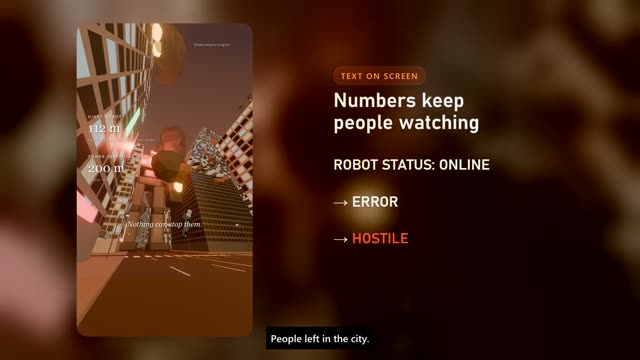
Generated sound in sync, on-screen counters, covers, captions and 4 videos from one render.
One render, two channels: build an AI host and a reaction page in the 50/50 format.
VAT included · instant download · lifetime access
Get the course →🔒 Secure checkout via Gumroad · You'll need a Claude Code subscription to follow along (Blender & FFmpeg are free).
Don't want to learn it? We make it for you. Pick a version, fill in the form and pay — your video arrives by email.
Your city in one of 20 disasters.
A full 45-second video from your own idea.

Use the same email at checkout so we can match your order. Fictional scenario, for fun.
Want your own story instead? Try Your Story PRO →
No. The AI writes and runs everything. You describe what you want and judge the results — the course shows you exactly how.
A normal computer (Windows or Mac), a Claude Code subscription, and the free tools Blender and FFmpeg. The setup takes about 30 minutes.
No. One payment, instant download, lifetime access to the course and the guide.
You get the method, templates and ready-to-use briefs — so your videos look like yours, not like copies of ours.
Nobody can promise that. We show you the format, the workflow and the posting rhythm that grew our page — the rest is your ideas and consistency.
Email support@apocalypseengine.com with your receipt.
Get the course, open your AI, paste the first brief — and watch your first disaster render tonight.
Get AI Video Studio — €20 apocalypse.engine